Manage your account, monitor markets, and place trades with an Android experience built for speed and simplicity. TenaxCode keeps you connected with real-time updates, smart tools, and a clean interface that helps you act with confidence.

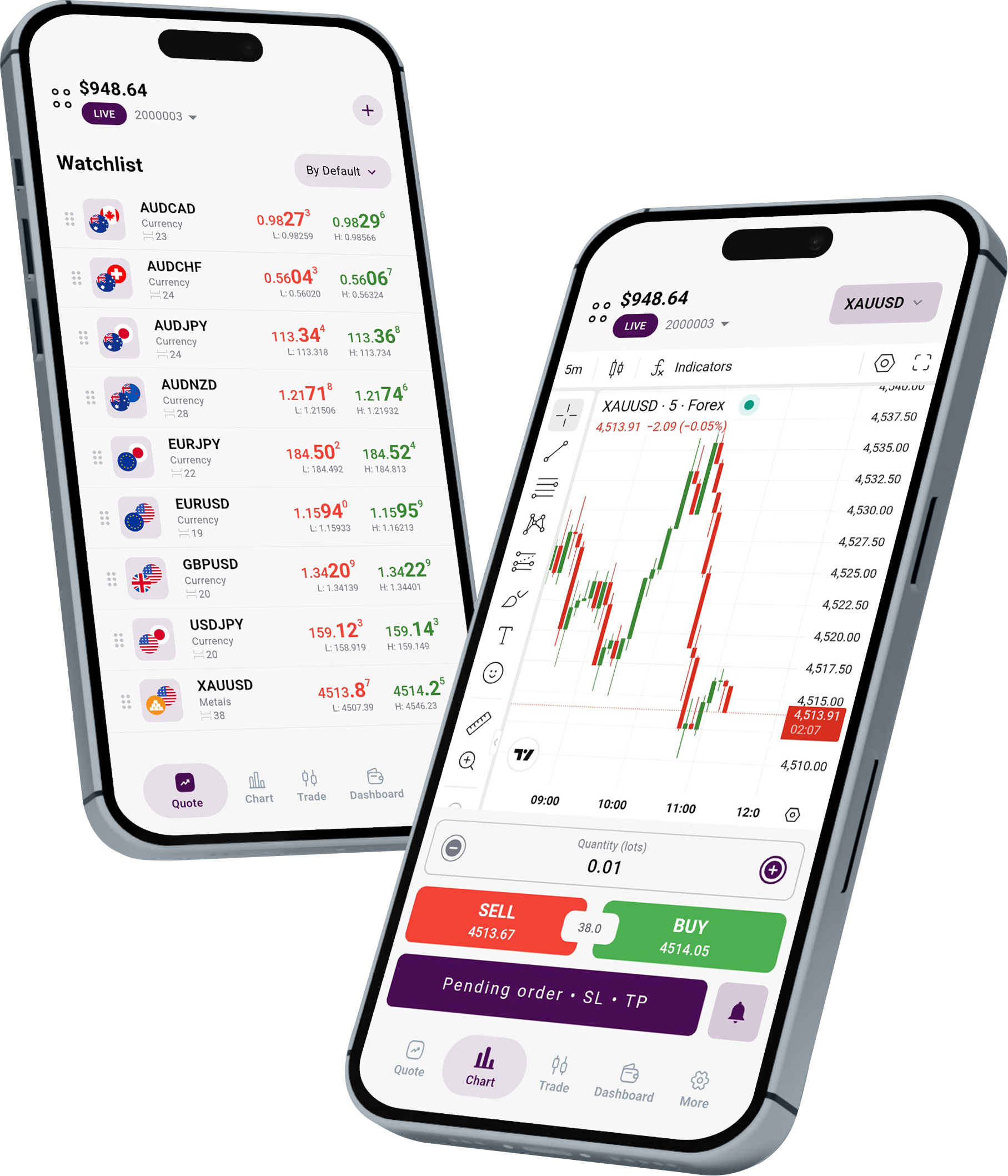


Stay in control of your positions from anywhere, with a layout made for quick actions and clear visibility.
Use charting tools, indicators, and timeframes to analyze markets and plan trades directly on your phone.
Set price alerts and follow key instruments with watchlists, so you can react fast when markets move.
Secure sign-in and account controls are built in to help keep your trading activity protected.
A simple flow to begin trading on TenaxCode.
Install TenaxCode from Google Play.
Use your AMPMFX account details to sign in.
Track markets, place orders, and manage positions.
Explore the key areas of the app and navigate faster.
View live bid/ask pricing, spreads, highs/lows, and quick instrument search.
Analyze markets with chart types, indicators, drawing tools, and timeframes.
Open and manage orders, edit stops/limits, and monitor your open positions.
Review executed trades, deposits, withdrawals, and your trading performance.
Customize app preferences, alerts, and account controls for your workflow.

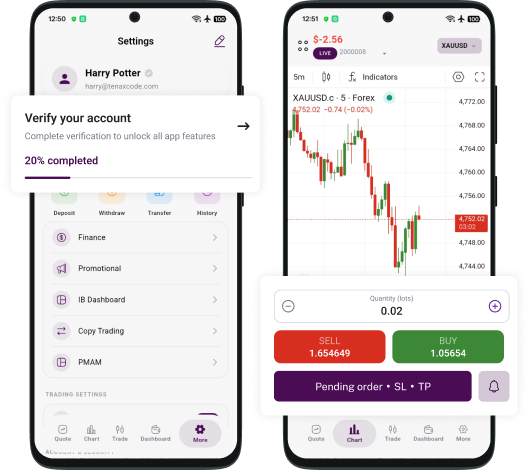
Download TenaxCode App from Google Play and sign in with your AMPMFX account details.
Yes. You can open and manage positions, place orders, and set stops and limits directly inside the app.
TenaxCode includes charting and analysis tools to help you review price action and plan trades.
Contact our support team at support@ampmfx.com for setup or login assistance.